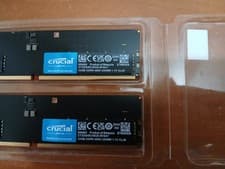
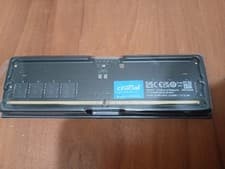
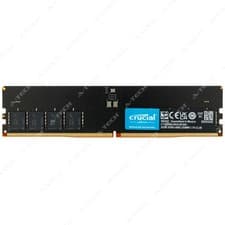
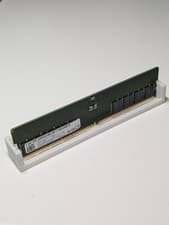
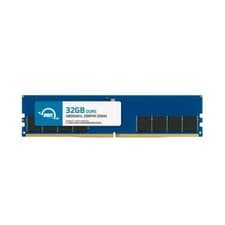
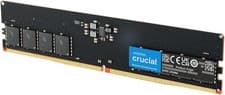
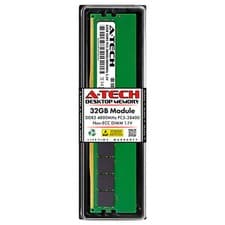
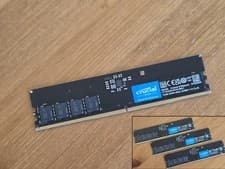
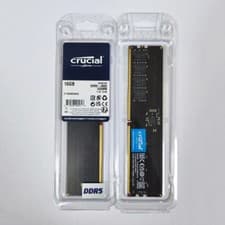
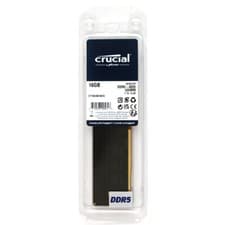
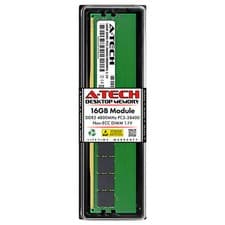
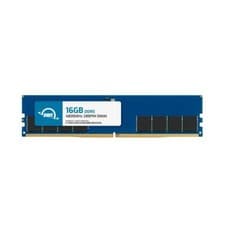
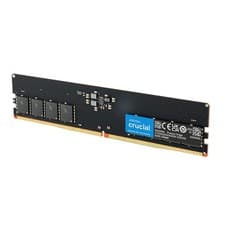
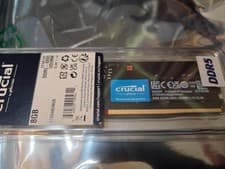
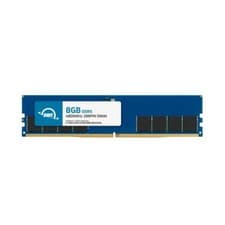
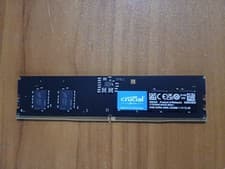
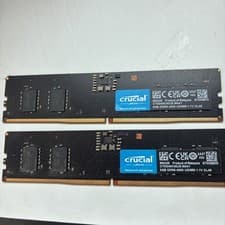
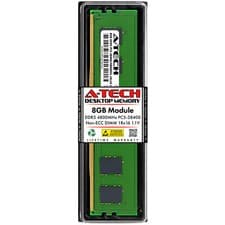
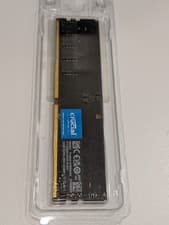
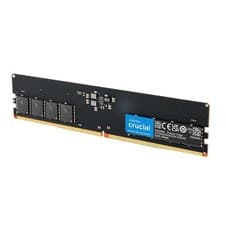
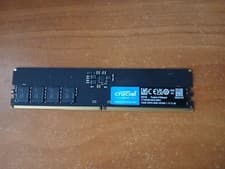
Crucial 32GB DDR5-4800 DIMM
CT32G48C40U5
DDR54800MHz32GBDIMM

Model Years: 2022–2023
Our data matches the HP OMEN 40L GT21 (GT21) with Crucial 32GB DDR5-4800 DIMM (DDR5, DIMM, 4800MHz, 32GB); Crucial 16GB DDR5-4800 DIMM (DDR5, DIMM, 4800MHz, 16GB); Crucial 8GB DDR5-4800 DIMM (DDR5, DIMM, 4800MHz, 8GB).
Supported memory profile: DDR5, DIMM, 4800MHz, up to 64GB max, 4 slots.
Before buying, confirm your exact model number, memory generation, form factor (DIMM), speed, and maximum supported capacity. Live eBay listings are shown below and may change.
Listings and prices are pulled from eBay and may change. Always verify compatibility before purchase. Listings are updated daily.
CT32G48C40U5
CT16G48C40U5
CT8G48C40U5
Based on our compatibility data, the HP OMEN 40L GT21 (GT21) supports DDR5, DIMM, 4800MHz, up to 64GB max, 4 slots. Matched modules include Crucial 32GB DDR5-4800 DIMM (DDR5, DIMM, 4800MHz, 32GB); Crucial 16GB DDR5-4800 DIMM (DDR5, DIMM, 4800MHz, 16GB); Crucial 8GB DDR5-4800 DIMM (DDR5, DIMM, 4800MHz, 8GB). Always confirm your exact model number before purchasing.
Check that your device label or manual shows GT21 (or OMEN 40L GT21). Confirm memory generation, form factor (DIMM), speed, slot count, and maximum supported capacity match the specs on this page before ordering.
Many systems run best with matched pairs (same capacity and speed). Mixing capacities or speeds may work but can force lower speeds or single-channel mode — check your OEM documentation.
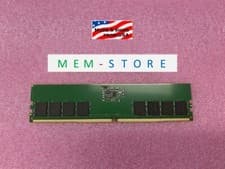
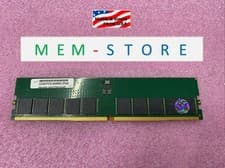
Current eBay listings for compatible RAM modules are shown below. Prices and availability change frequently — verify listing details and seller ratings before you buy.
This device uses DDR5 at 4800MHz. Maximum supported capacity is 64GB.
Always power off and unplug your device before installing RAM. Ground yourself to avoid static discharge.