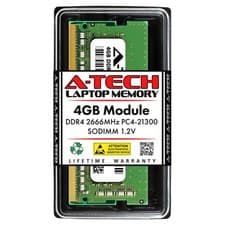
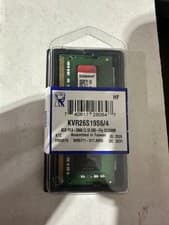
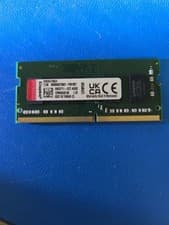
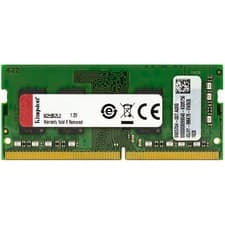
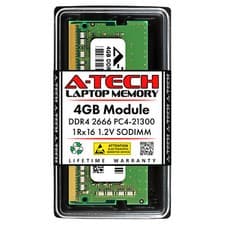
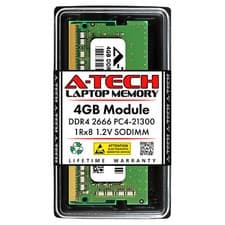
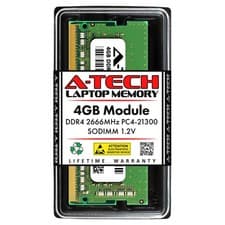
Kingston 4GB DDR4-2666 SODIMM
KVR26S19S6/4
DDR42666MHz4GBSO-DIMM

Model Years: 2023–2024
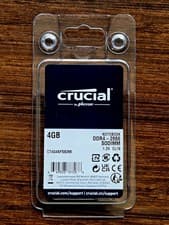
Our data matches the Synology DS423+ (DS423+) with Kingston 4GB DDR4-2666 SODIMM (DDR4, SO-DIMM, 2666MHz, 4GB); Crucial 4GB DDR4-2666 SODIMM (DDR4, SO-DIMM, 2666MHz, 4GB).
Supported memory profile: DDR4, SO-DIMM, 2666MHz, up to 6GB max, 2 slots.
Before buying, confirm your exact model number, memory generation, form factor (SO-DIMM), speed, and maximum supported capacity. Live eBay listings are shown below and may change.
Listings and prices are pulled from eBay and may change. Always verify compatibility before purchase. Listings are updated daily.
KVR26S19S6/4
CT4G4SFS8266
Based on our compatibility data, the Synology DS423+ (DS423+) supports DDR4, SO-DIMM, 2666MHz, up to 6GB max, 2 slots. Matched modules include Kingston 4GB DDR4-2666 SODIMM (DDR4, SO-DIMM, 2666MHz, 4GB); Crucial 4GB DDR4-2666 SODIMM (DDR4, SO-DIMM, 2666MHz, 4GB). Always confirm your exact model number before purchasing.
Check that your device label or manual shows DS423+ (or DS423+). Confirm memory generation, form factor (SO-DIMM), speed, slot count, and maximum supported capacity match the specs on this page before ordering.
Many systems run best with matched pairs (same capacity and speed). Mixing capacities or speeds may work but can force lower speeds or single-channel mode — check your OEM documentation.
Current eBay listings for compatible RAM modules are shown below. Prices and availability change frequently — verify listing details and seller ratings before you buy.
This device uses DDR4 at 2666MHz. Maximum supported capacity is 6GB.
This model has 2 RAM slots. Installing matched pairs (dual-channel) gives the best performance — use identical capacity modules in both slots.
Always power off and unplug your device before installing RAM. Ground yourself to avoid static discharge.